
Atmosphere
Halation
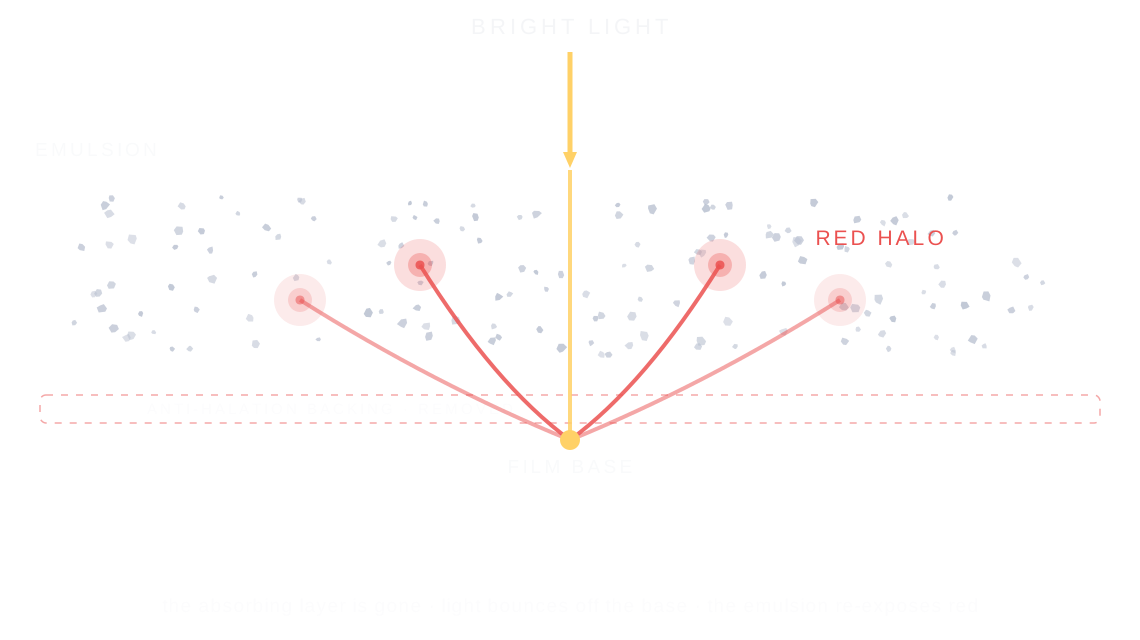
Halation is the red glow around bright lights on film, made when light passes through the emulsion, bounces off the film base, and exposes the film a second time.
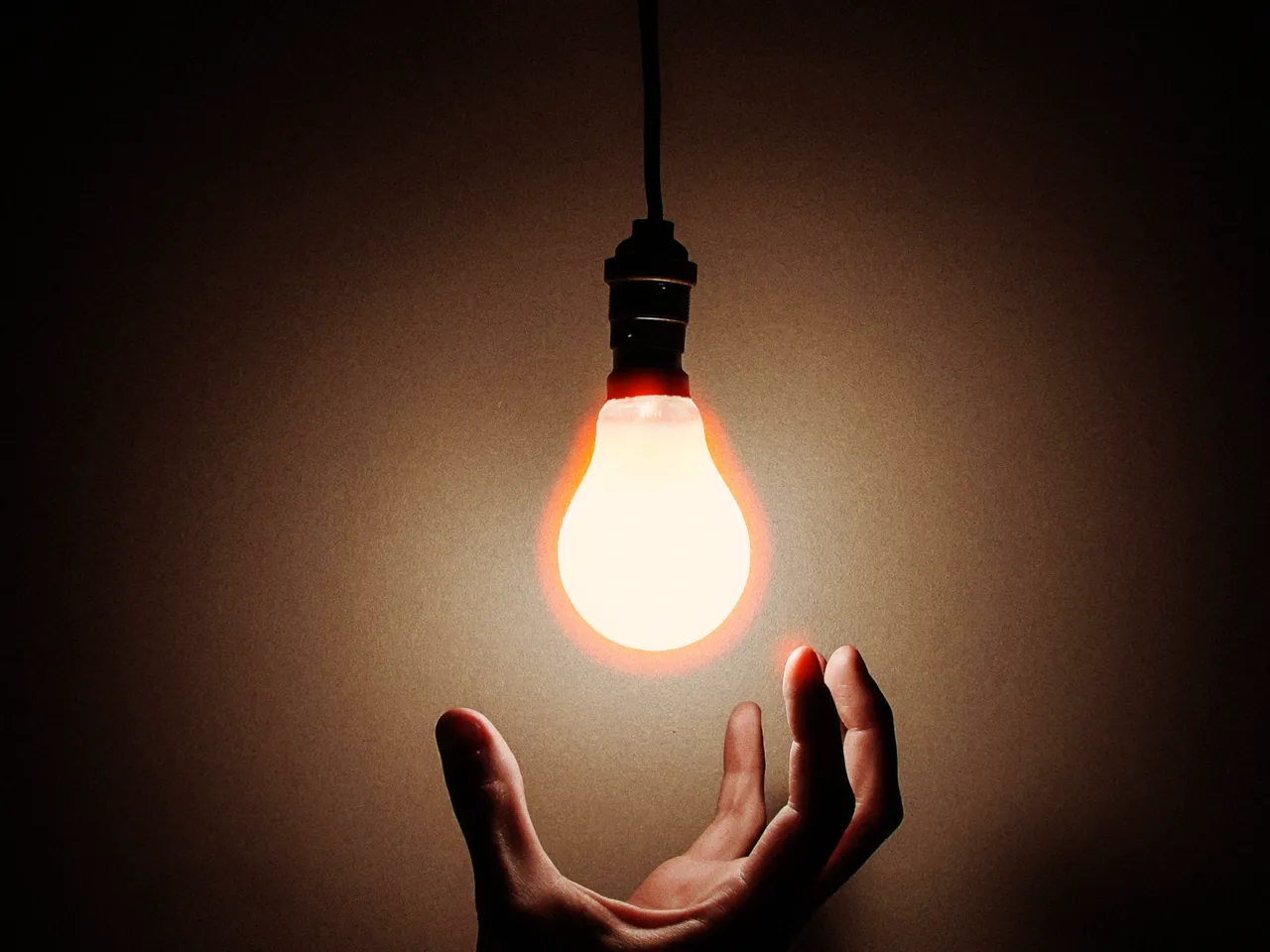

Every stop is a real Daydream render. Only the strength setting changes.
Why it happens
Why does film glow red?
On real stock, bright light punches through the emulsion, bounces off the film base, and comes back as a red halo around the source.
In Daydream
Simulates the red light bleeding characteristic of certain film stocks (especially Cinestill 800T). This occurs when bright lights reflect off the film backing and create a reddish halo.
Up close
What does halation do to a photo?
A tight crop from the full-size render. Left is off, right is 100% strength. Drag the line to compare.
What changes
- Red/warm halos appear around bright lights and highlights
- Creates that distinctive ‘film shot at night’ look
- Adds a nostalgic, authentic film quality
The controls
How do you adjust halation?
The dial above moves strength. Spread 50% and Threshold 50% stayed fixed for every render.
| Control | Range | What it does |
|---|---|---|
| Strength | 0–100% | Intensity of the red light bleeding |
| Spread | 0–100% | How far halation spreads from bright lights |
| Threshold | 0–100% | Brightness level required to trigger halation |
Base for every render: the Daydream preset at its defaults, with glow off.
When to reach for it
When should you use halation?
Works best on night photography and neon-lit scenes. Keep strength and spread lower for daytime photos.
Best for
- Night photography
- Neon lights
- Street photography
- Cinematic looks
Neon was made for this.
Join the iOS Beta
Try halation on your own photos. Join the iOS beta and shoot with Daydream Film.