
Atmosphere
Film Burn
Film burn is a white-hot glare eating in from the edge of a photo, made when daylight strikes raw film, most often at the end of a roll.
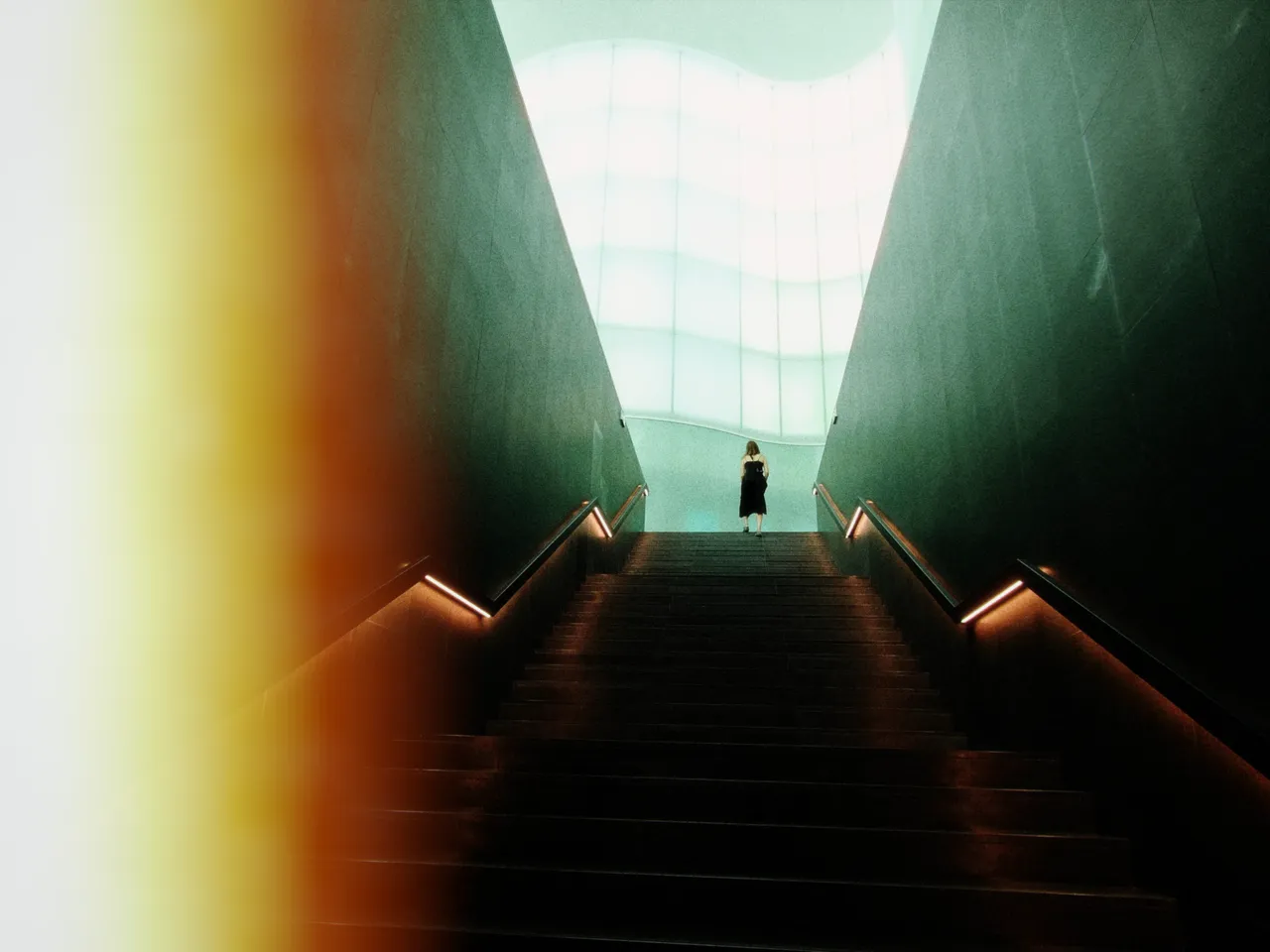

Every stop is a real Daydream render. Only the left-edge burn setting changes.
Why it happens
Why does the end of a roll burn?
When a roll ran out mid-wind, raw film met daylight and the last frames burned white from the edge in.
In Daydream
Simulates light leaks from edges and corners of the film frame, creating white-hot burn effects typical of light damage during film loading.
Up close
What does film burn do to a photo?
A tight crop from the full-size render. Left is off, right is 100% left-edge burn. Drag the line to compare.
What changes
- Creates bright, overexposed areas at edges or corners
- Adds authentic film camera light leak character
- Each corner and edge can be controlled independently
The controls
How do you adjust film burn?
The dial above moves left-edge burn, the only control that changes between renders.
| Control | Range | What it does |
|---|---|---|
| Top Left/Right | 0–100% | Burn from top corners |
| Bottom Left/Right | 0–100% | Burn from bottom corners |
| Top/Bottom Edge | 0–100% | Burn from horizontal edges |
| Left/Right Edge | 0–100% | Burn from vertical edges |
Base for every render: the Daydream preset at its defaults.
When to reach for it
When should you use film burn?
Use sparingly for authenticity. Real film burns were accidents — too much looks artificial.
Best for
- Vintage aesthetics
- Experimental photography
- Lo-fi looks
End the set like a roll ends.
Join the iOS Beta
Try film burn on your own photos. Join the iOS beta and shoot with Daydream Film.