
Color
Split Toning
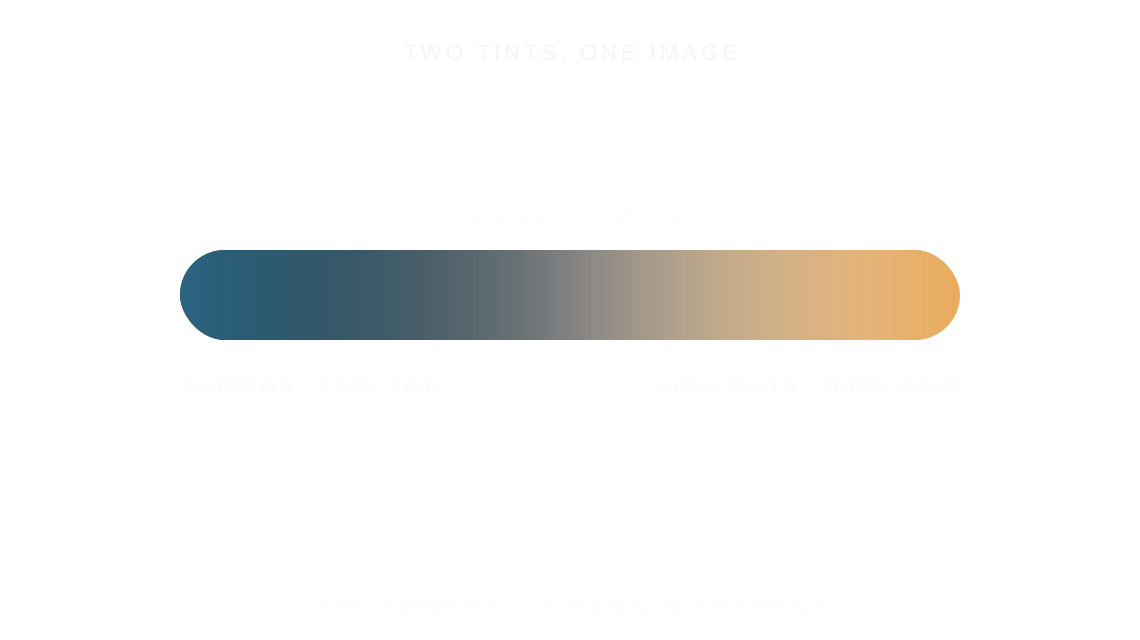
Split toning tints the shadows and the highlights of a photo with two different colors, classically cool shadows against warm light, while the midtones stay neutral.
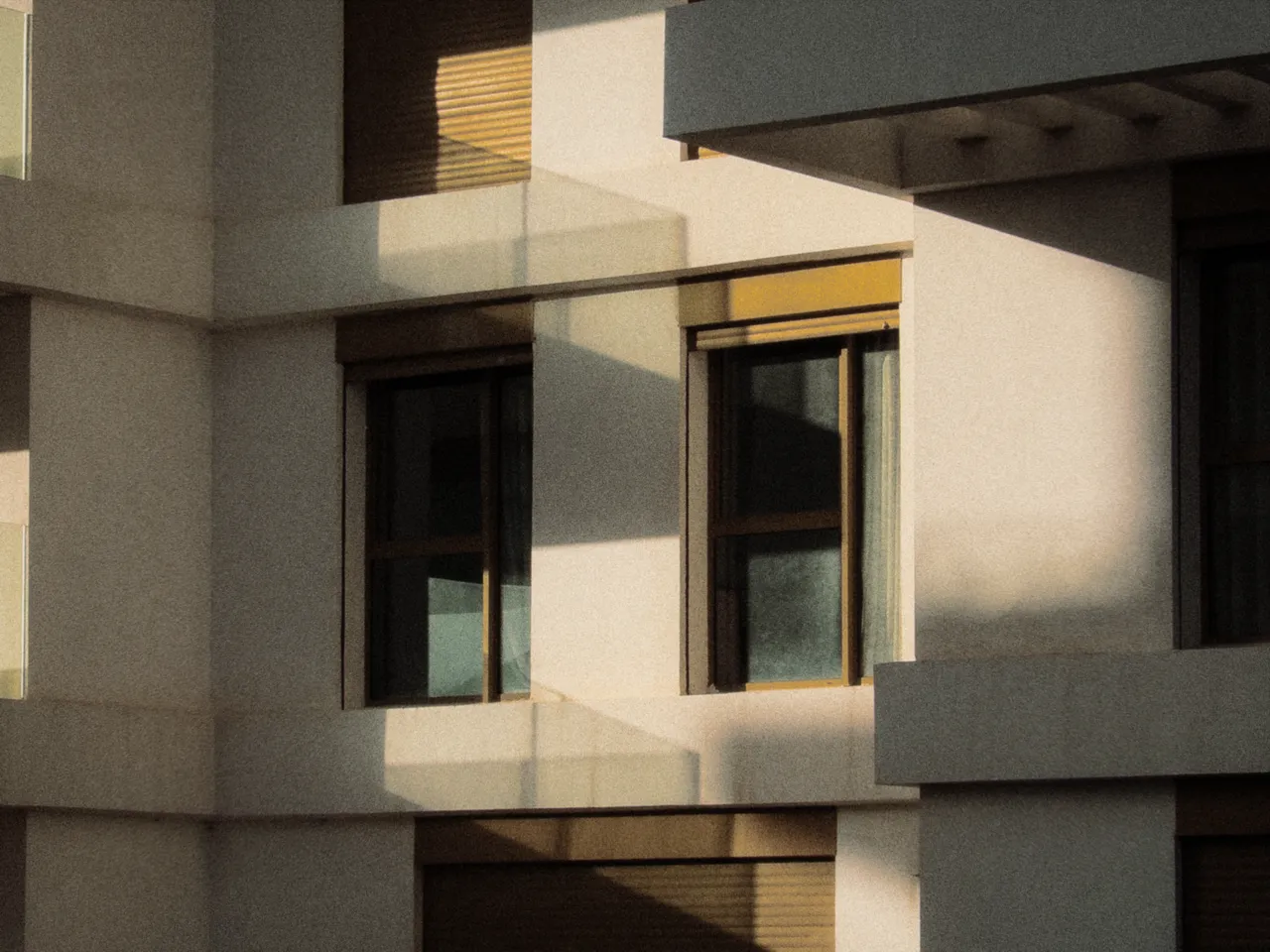

Every stop is a real Daydream render. Only the toning setting changes (shadow and highlight saturation move together).
Why it happens
Where does split toning come from?
Toner baths tinted shadows and highlights separately. Sepia and selenium were the first grades.
In Daydream
Applies different color tints to shadows and highlights separately. Essential for achieving that classic film look where shadows have a cool tint and highlights have warmth.
Up close
What does split toning do to a photo?
A tight crop from the full-size render. Left is off, right is 60% toning. Drag the line to compare.
What changes
- Adds color tint to shadow regions
- Adds different color tint to highlight regions
- Balance controls where the split point falls
The controls
How do you adjust split toning?
The dial above moves toning (shadow and highlight saturation move together). Shadow Hue 180°, Highlight Hue 30° and Balance +15 stayed fixed for every render.
| Control | Range | What it does |
|---|---|---|
| Shadow Hue | 0–360° | Color for shadow tint |
| Shadow Saturation | 0–100% | Intensity of shadow tint |
| Highlight Hue | 0–360° | Color for highlight tint |
| Highlight Saturation | 0–100% | Intensity of highlight tint |
| Balance | -50 to +50 | Shift split point toward shadows or highlights |
Base for every render: the Daydream preset at its defaults.
When to reach for it
When should you use split toning?
Classic film look: cyan shadows (180°) with warm orange highlights (30°), both around 25–50%. Past 60% the tints turn neon. On a dark photo, raise Balance or the cool tint takes over.
Best for
- Classic film look
- Color grading
- Cinematic aesthetics
The cheapest cinema there is.
Join the iOS Beta
Try split toning on your own photos. Join the iOS beta and shoot with Daydream Film.