
Light
Exposure
Basic brightness adjustment (±3 stops)
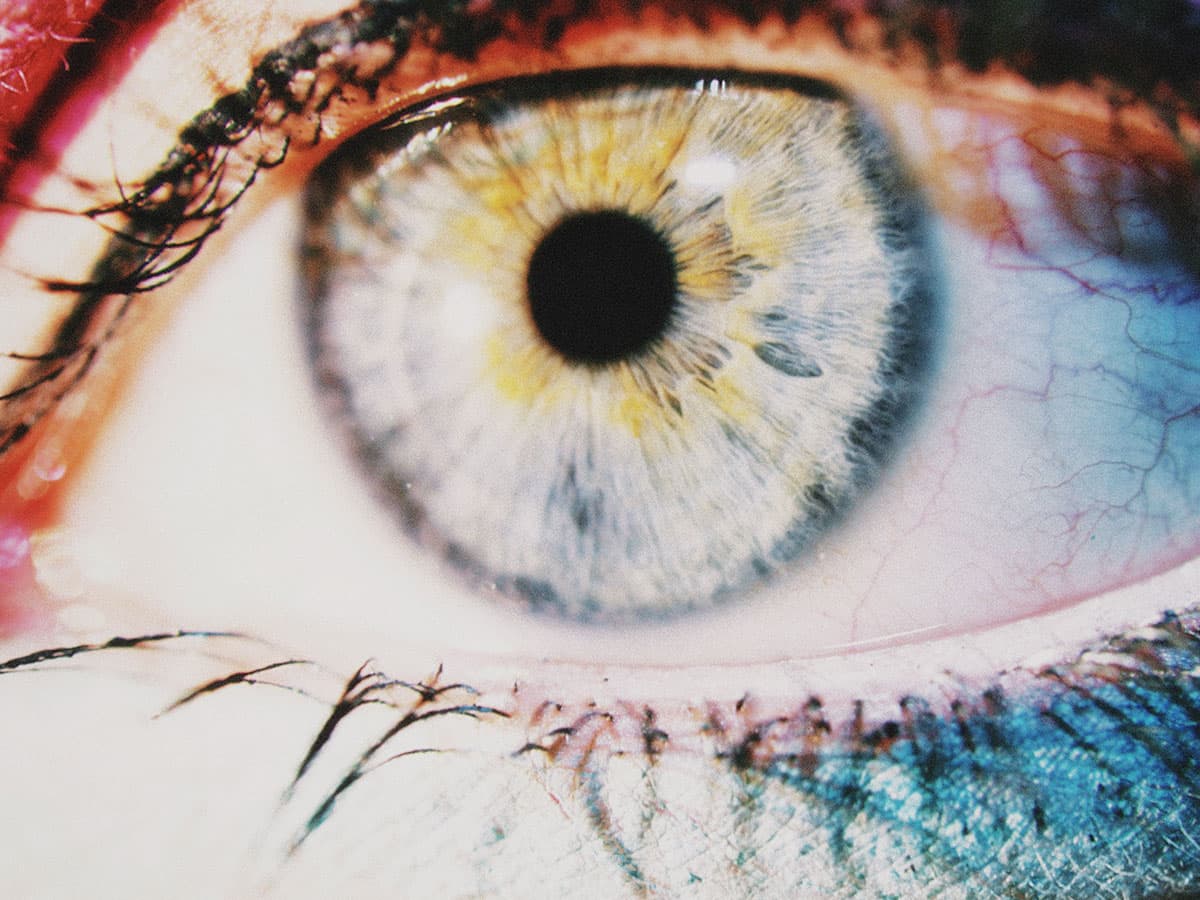
What It Does
Adjusts the overall brightness of your image, simulating different exposure settings on the camera.
How It Affects Your Image
- Increases or decreases overall brightness
- Applied early in the pipeline so other effects respond naturally
Parameters
Exposure
-3 to +3 stops
Master brightness control
Pro Tip
This is applied first, so glow, halation, and other effects respond to your adjusted exposure.
Best For
Correcting brightness
Creative exposure shifts
Join the iOS Beta
Be the first to experience exposure and all our other film effects. Join the beta and start shooting with Daydream Film today.