
Develop
Expire
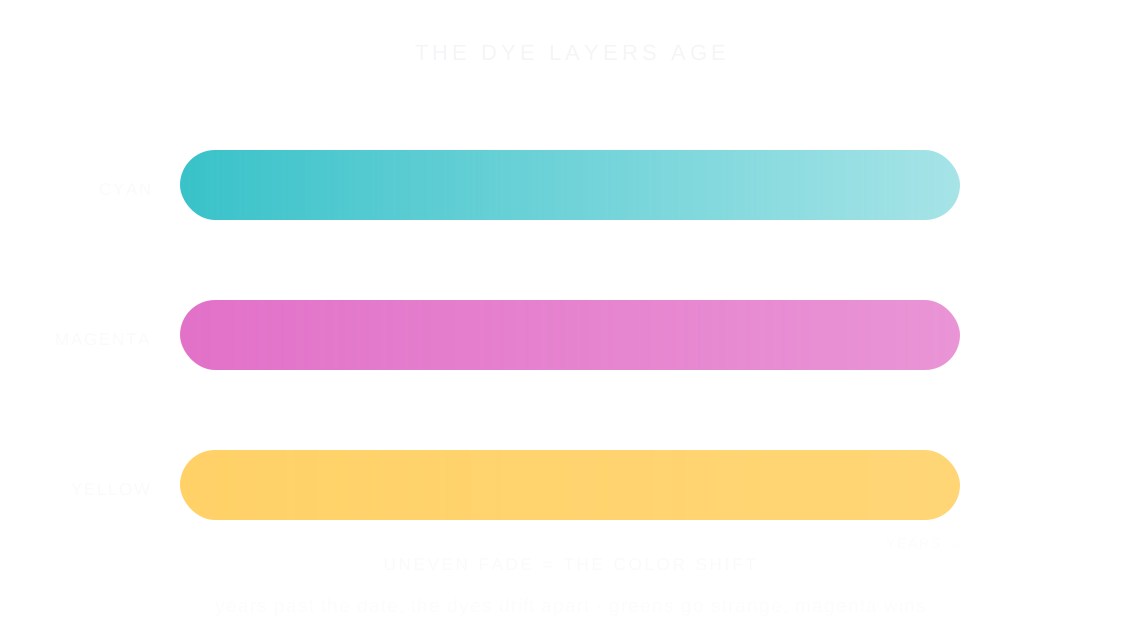
Expired film is film shot past its date, when its dye layers have aged unevenly, so colors drift into strange greens, magentas and faded warmth.
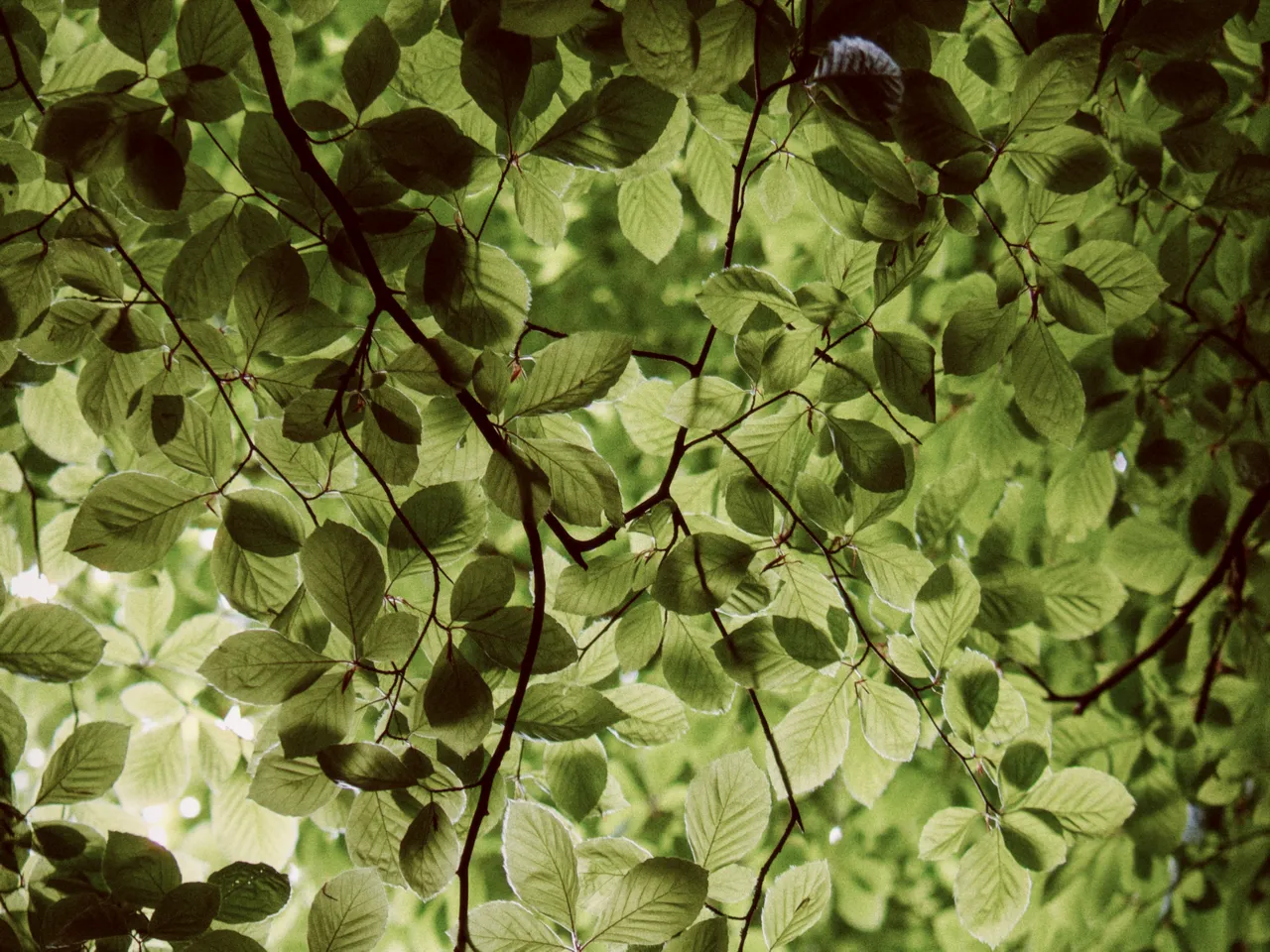

Every stop is a real Daydream render. Only the strength setting changes.
Why it happens
What do the years do to film?
The three dye layers age at different speeds, so decades-old film drifts toward strange greens and magentas.
In Daydream
Simulates the look of film that has aged past its expiration date. Expired film exhibits characteristic color shifts and saturation changes.
Up close
What does expire do to a photo?
A tight crop from the full-size render. Left is off, right is 100% strength. Drag the line to compare.
What changes
- Adds color cast shifts (green or pink-orange)
- Reduces saturation as film ‘fades’
- Creates that distinctive vintage expired film look
The controls
How do you adjust expire?
The dial above moves strength. Color Shift +100 stayed fixed for every render.
| Control | Range | What it does |
|---|---|---|
| Strength | 0–100% | How expired the film appears |
| Color Shift | -100 to +100 | Negative = cool, green drift | Positive = warm, pink-orange drift |
Base for every render: the Daydream preset at its defaults.
When to reach for it
When should you use expire?
Expired film rarely drifts the same way twice. Set Color Shift negative for a cool, green drift or positive for a warm, pink-orange one.
Best for
- Vintage aesthetics
- Lo-fi photography
- Experimental looks
Let the colors drift.
Join the iOS Beta
Try expire on your own photos. Join the iOS beta and shoot with Daydream Film.